
Kia Cadenza YG: Blind Spot Detection System / Blind Spot Detection Variant Coding Description and Operation
Kia Cadenza YG 2016-2021 Service Manual / Body Electrical System / Blind Spot Detection System / Blind Spot Detection Variant Coding Description and Operation
| Description |
The used radar frequency of BSD is two, "North America region" and "Except North America region".
If it replaces BSD unit, BSD unit has to perform the procedure of variant coding.
BSD Variant Coding
| 1. |
Select the "BSD Variant Coding" procedure in BSD system.
|

| 2. |
Perform the "BSD Variant Coding" procedure according to the GDS screen message.
|
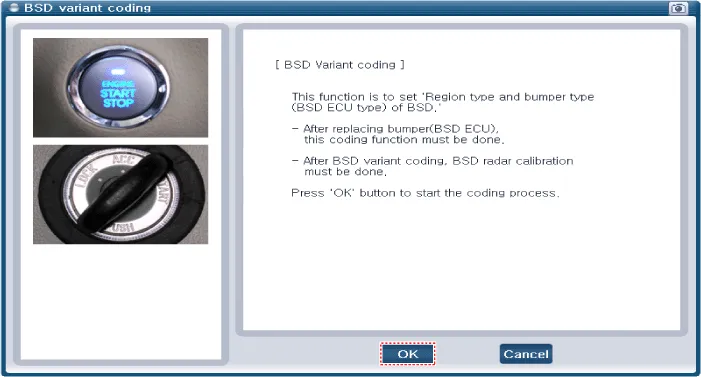
| 3. |
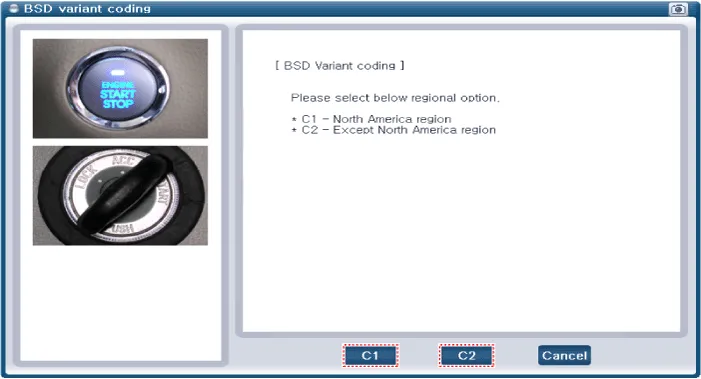
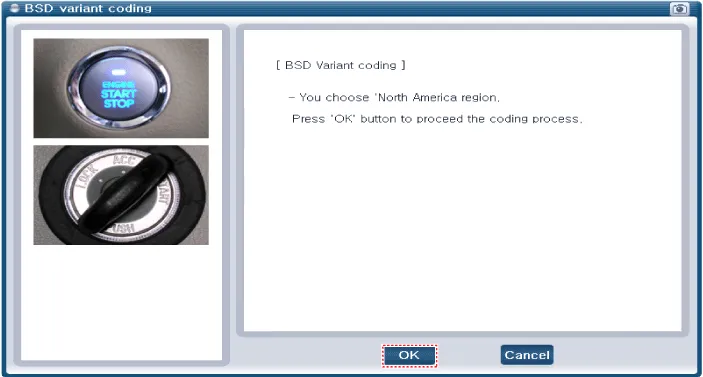
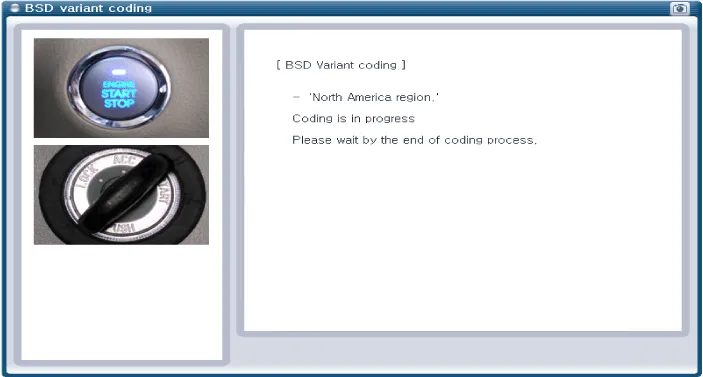
Select "C1" or "C2" for each region and transmission.
And then proceed the BSD variant coding process.
|

BSD Variant Code Reading
| 1. |
Select the "BSD Variant Code Reading" procedure.
|
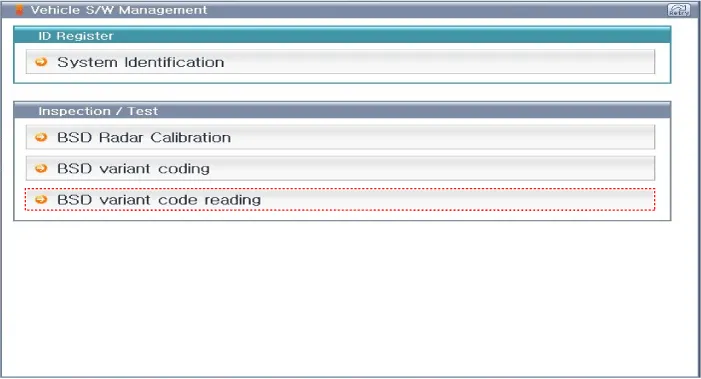
| 2. |
Proceed the "BSD Variant Code Reading" procedure according to the GDS screen message.
|
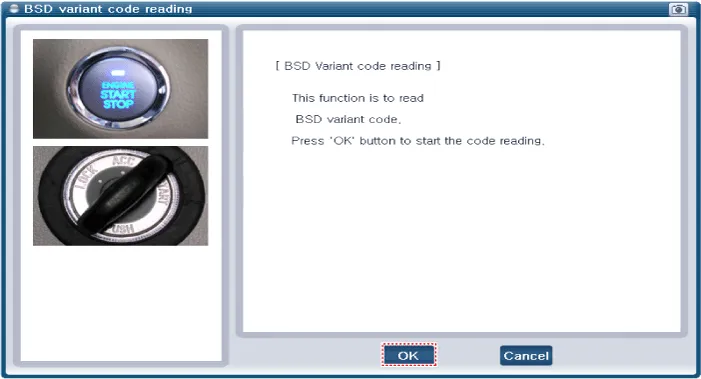
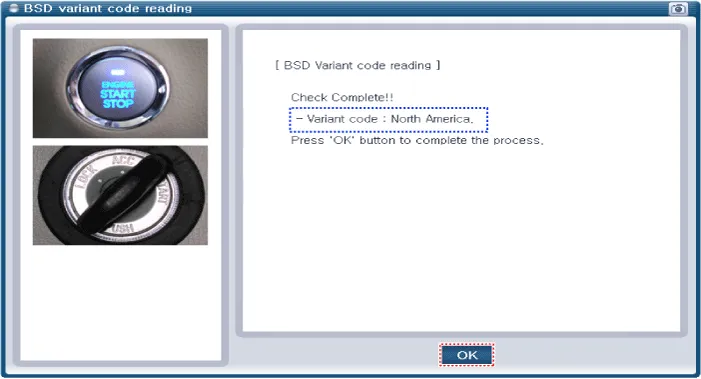


Removal 1. Disconnect the negative (-) battery terminal. 2. Remove the rear bumper. (Refer to Body - "Rear Bumper") 3. Remove the BSD unit (A) after loosening the mounting screws.
Description To sense the cars exactly in the next lane with the radar, the direction of the sensor and the direction of the vehicle have to align.
Other information:
Kia Cadenza YG 2016-2021 Service Manual: Description and Operation
Description Back view camera will activate when the backup light is ON with the ignition switch ON and the shift lever in the R position. This system is a supplemental system that shows behind the vehicle through the ECM (Reverse Display Room Mirror) mirror or AVN head unit while backing-up.
Kia Cadenza YG 2016-2021 Service Manual: Special Service Tools
S
Categories
- Manuals Home
- Kia Cadenza Owners Manual
- Kia Cadenza Service Manual
- Specifications
- Timing Chain Repair procedures
- Components and Components Location
- New on site
- Most important about car

Copyright © 2026 www.kcadenzavg.com - 0.0425